
Test Your 90s Nostalgia with Guess The 90s
Overview
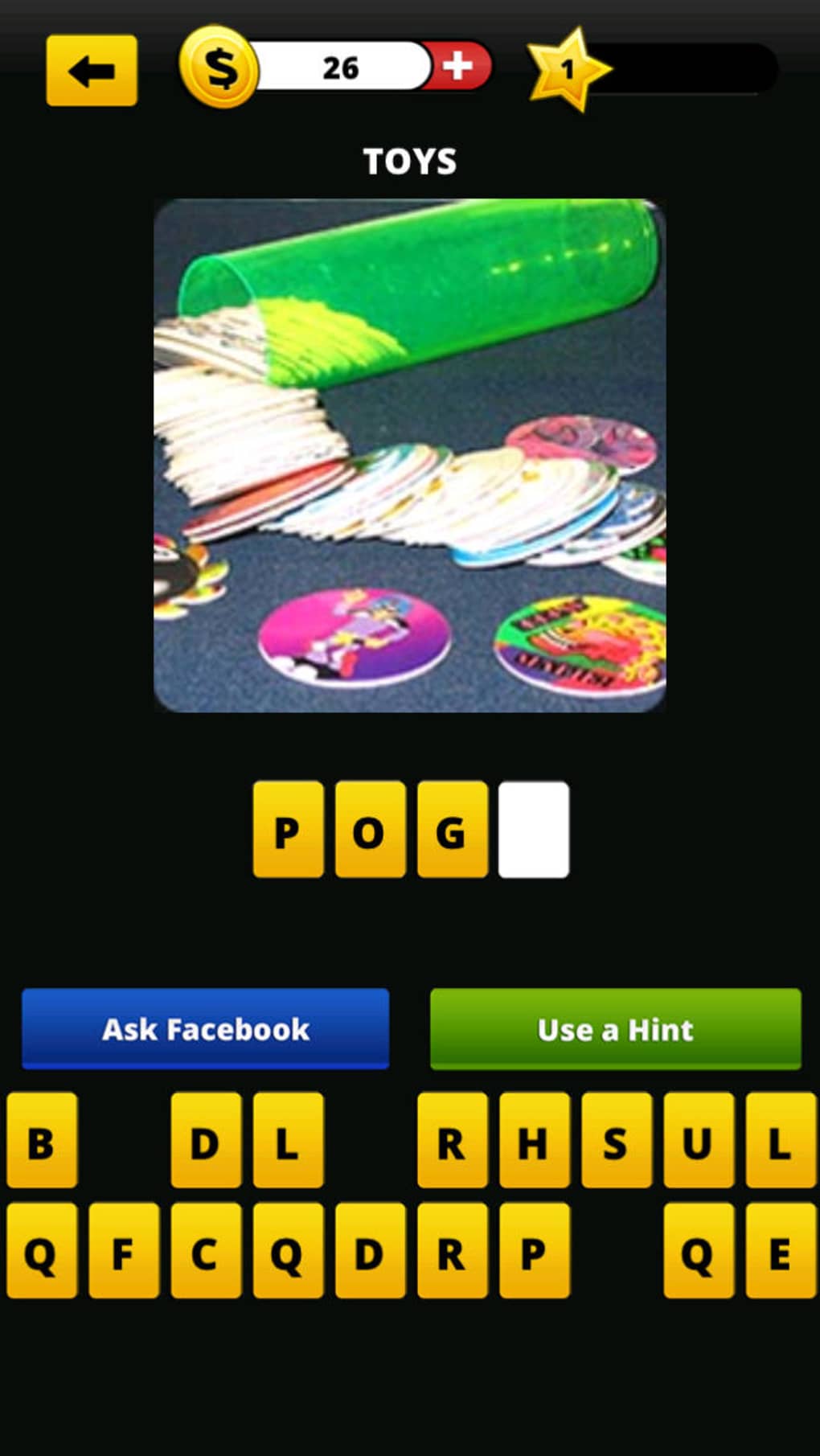
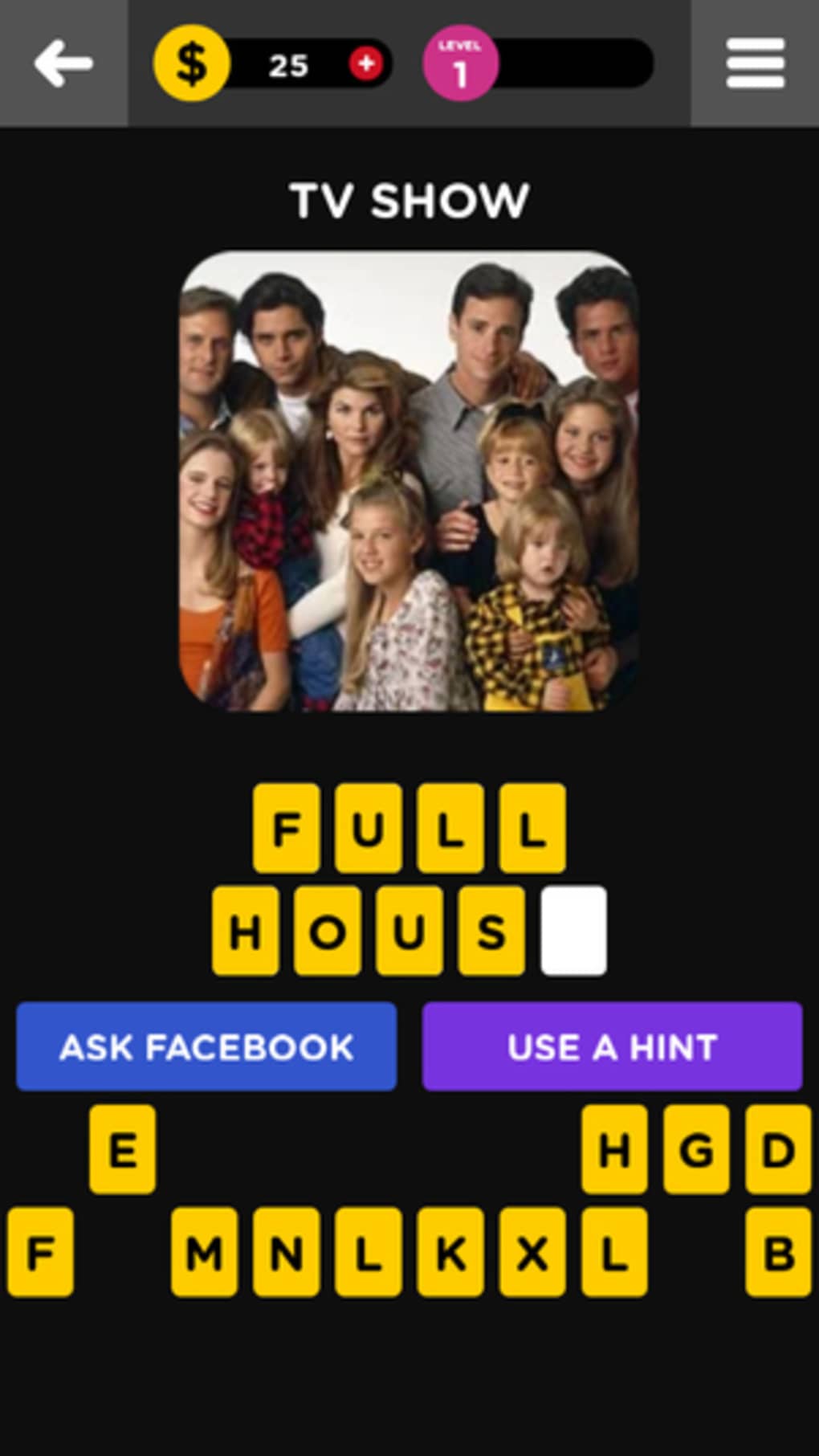
Guess The 90s is a nostalgic trivia game designed to test players’ memory of the 1990s, a decade defined by iconic pop culture, fashion, and technology. The game challenges users to identify famous people, TV shows, toys, food, and objects from the era through visual clues. Each question presents a photo of a subject, and players must guess the correct name using available letters to complete the missing word or phrase. The game is structured as a linear quiz, requiring correct answers before progressing to the next question.
Targeted primarily at individuals who lived through the 1990s, especially those with exposure to American pop culture, the game serves as a fun, interactive way to relive memories. Its design appeals to both casual players seeking entertainment and enthusiasts of retro-themed games. While the game’s focus on American-centric content may limit accessibility for international users, it remains a strong choice for those seeking a simple, themed quiz experience.
Despite its limited scope, Guess The 90s offers a straightforward and engaging way to revisit a culturally rich decade. The developer did not provide additional background information. Real-world usage scenarios include solo play during downtime, family game sessions, or classroom activities focused on cultural history.
Key Features & Capabilities
- Visual Trivia Format – Each question is based on a photo of a 90s-era subject, such as a celebrity, TV show, toy, or food item. Players must deduce the name using a letter-based puzzle system.
- Progressive Challenge – The game advances only after a correct answer is provided, creating a structured and linear gameplay experience.
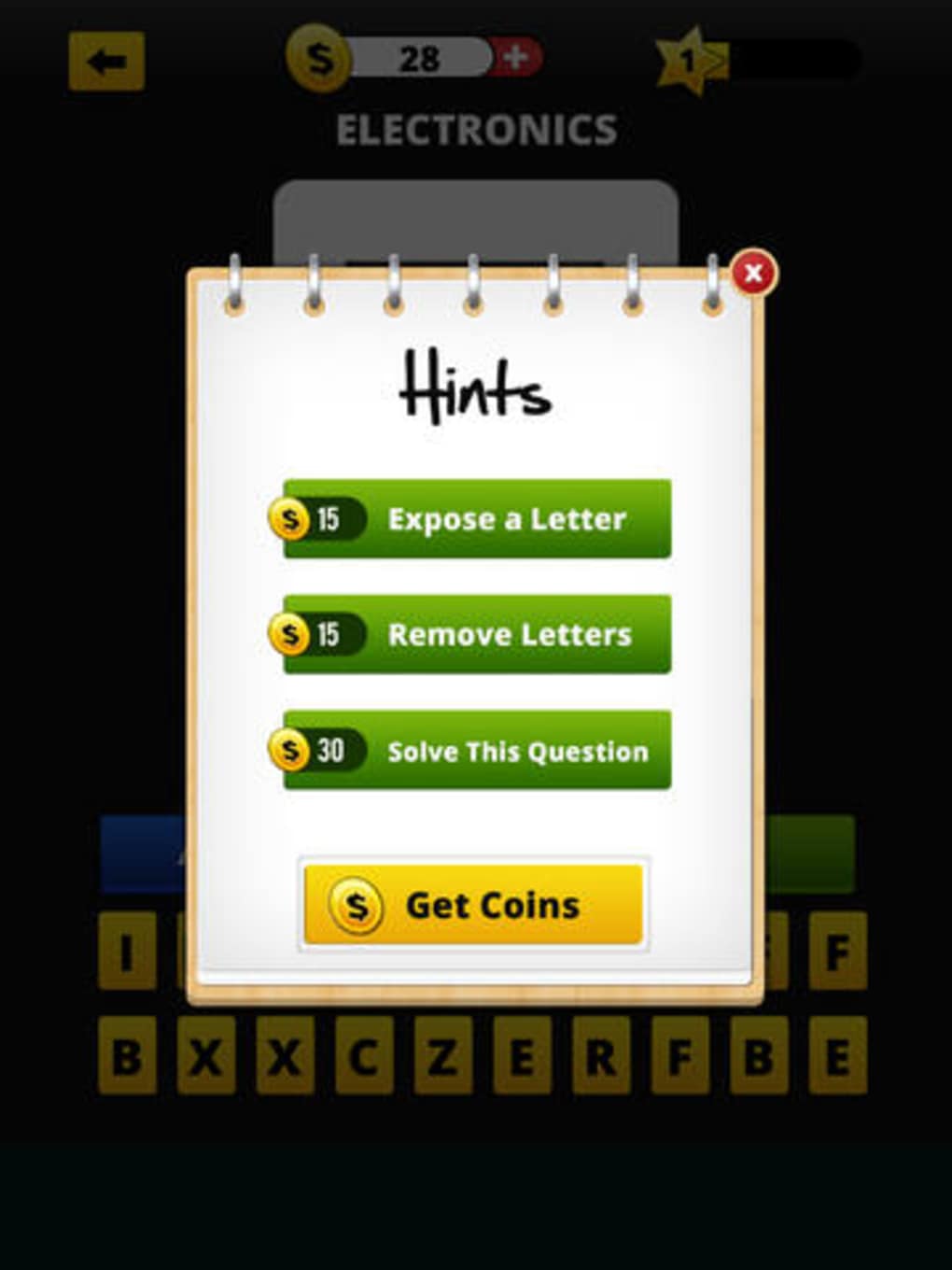
- Hint System – Players can reveal individual letters to assist with difficult questions. Hints are costly, requiring coins earned through correct answers or purchased in-game.
- Nostalgia-Driven Content – The game focuses on culturally significant elements from the 1990s, including pop icons like Britney Spears, media like Power Rangers, and everyday items like slap bracelets.
- Simple Puzzle Mechanics – The letter-filling mechanic adds a layer of challenge, requiring players to think about spelling and word patterns while recalling visual memories.
Realistic usage examples include identifying a 90s cartoon character from a still image or guessing the name of a popular snack based on its packaging. The features help users engage with memory recall in a low-pressure, interactive way. The game’s structure supports repeated play, allowing users to revisit forgotten details and track progress across multiple sessions.
User Interface, Workflow & Performance
The user interface of Guess The 90s appears to be minimalistic, with a main menu that offers a visually appealing start to the experience. However, the rest of the game screens lack the vibrant aesthetic seen in the initial design, resulting in a more subdued visual presentation. The interface relies heavily on photos and text input, with navigation limited to progressing through questions and accessing the hint system.
Workflow efficiency is straightforward: players view a clue, attempt to guess the answer, and either advance or use a hint. The process is intuitive for users familiar with puzzle or trivia games. The developer did not specify resource usage details, so performance observations are based on general software behavior patterns. Stability is expected to be consistent given the game’s modest size and simple mechanics.
Users may notice a lack of dynamic feedback or visual rewards beyond progressing to the next question. The absence of animations, sound effects, or interactive elements beyond the core puzzle may affect engagement over time. Performance on Windows and Mac systems is likely to be smooth due to the small file size of 20.5 MB, though exact CPU or RAM behavior was not specified.
Compatibility & System Requirements
Guess The 90s is available for both Windows and Mac operating systems. The software version is 1.0, with a file size of 20.5 MB. This compact size suggests minimal system demands and fast installation times.
Exact system requirements were not listed. Compatibility information was partially provided, confirming support for Windows and Mac platforms. The developer did not specify hardware requirements, such as minimum RAM or processor speed. Users should expect broad compatibility given the software’s size and nature as a desktop trivia game.
Installation is likely to be quick and straightforward, with no reported dependencies or additional software needed. The game does not require an internet connection to play, though in-game purchases for hints may require connectivity.
Pros and Cons
Pros
- Free to download and play, with no upfront cost.
- Simple, intuitive gameplay ideal for casual users.
- Strong focus on 90s nostalgia with culturally relevant content.
- Compact file size of 20.5 MB ensures quick installation.
- Available on both Windows and Mac platforms.
Cons
- Heavy reliance on American pop culture may limit appeal for international players.
- Hint system is costly, potentially discouraging players who struggle with questions.
- Visual design is inconsistent, with a vibrant main menu and plain gameplay screens.
- Limited gameplay variety—no time challenges, multiplayer, or bonus rounds.
- One-dimensional format may lead to repetition and reduced long-term engagement.
FAQ Section
Is Guess The 90s available for Windows and Mac?
Yes, the software is compatible with both Windows and Mac operating systems.
Is the game free to use?
Yes, Guess The 90s is offered at no cost. There are in-game purchases for hints, but the core gameplay is free.
Does the game require an internet connection?
The game can be played offline after installation. However, in-game purchases may require an internet connection.
What kind of content does the game feature?
The game includes trivia questions based on 90s icons, including TV shows, celebrities, toys, food, and everyday objects. The content is primarily centered on American culture.
Are there updates for the game?
Updates are expected, as the software is listed with a version number of 1.0 and a release date of May 10, 2024. The developer has not specified update frequency.
Final Thoughts + CTA
Guess The 90s delivers a focused, nostalgic experience for those who lived through the 1990s and want to relive the decade’s cultural highlights. Its simple yet effective puzzle-based quiz format provides a satisfying challenge for memory recall, especially for fans of American pop culture. While the game’s visual design is inconsistent and the gameplay lacks variety, its free access and cross-platform availability make it a low-risk option for casual entertainment.
Although the lack of dynamic features and the high cost of hints may limit long-term appeal, the game remains a solid choice for a quick, themed memory test. It’s particularly well-suited for solo play, family fun, or classroom use. For anyone seeking a nostalgic trip back to the 90s, Guess The 90s offers a straightforward and accessible experience.
Download Guess The 90s now







